Resize Image
Set the right dimensions by pixels or percentage.
IMAGE TOOLS / OPTIMIZE
Give your image more room. Enlarge photos or pixel art and preview the result.
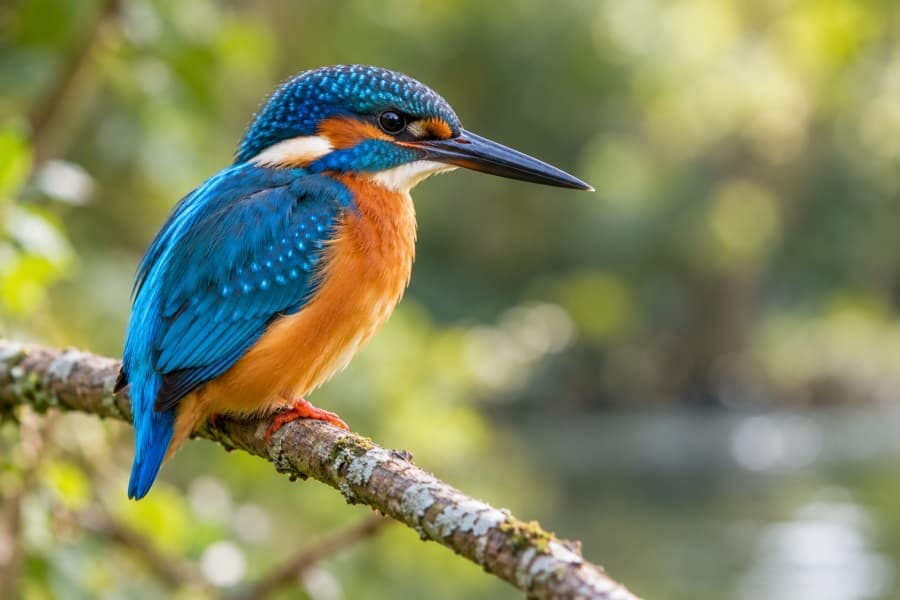 Give the details more room.
Drag and drop an image, or choose a file.
JPG, PNG or WebP · Up to 15 MB
Up to 4 megapixels
Open a JPG, PNG or WebP, or try the example image.
Choose 2×, 3× or 4× and select smooth photo or crisp pixel art resampling.
Save your enlarged image as a PNG, with transparency preserved.
Keep a copy of your original. Exported images do not retain the original metadata. Animated images are flattened to a single still frame. The preview fits the screen; the download contains the full output dimensions. Larger PNG files may take more memory and time to create.
No. Smooth photo uses your browser’s high-quality image resampling. Crisp pixel art uses nearest-neighbour enlargement. Both increase pixel dimensions without inventing or restoring missing detail.
Output is limited to 16 megapixels and 8,192 pixels on either edge to reduce memory use. Choose a smaller source image to unlock larger scale factors.
A larger image contains more pixels, but enlargement cannot guarantee a sharper result. Smooth resampling suits photographs, while crisp pixel art preserves hard pixel edges.